Next case study
Personal ProjectSistema
View Case Study
Starting with the color tokens your design system really needs
TL;DR
This project was born out of an effort to incorporate our growing design system into our application's aging codebase at Luminoso. A particular pain-point was our inconsistent use of color. I coded an internal tool that allowed me to generate accessible, flexible color palettes. Engineers could use the tool to generate code snippets with color tokens, identify the correct replacement color for out-of-palette colors and more. Since then I independently developed this tool into a Figma plugin with over 10,000 users.
My Role
I coded the original internal tool, including the unique color generation script myself while I was working as the Head of Product Design at Luminoso. I coded and maintain the subsequent Figma plugin myself.
Outcome
While working at Luminoso I used this tool to generate color tokens that helped speed communication between design and engineering, and helped engineers audit our codebase toward consistency with our design system.
We've all been there right? Your product (not to mention your style guide) is a few years old, the color palette has grown to three times its original size, there are 16 colors in the codebase just for buttons... wait, who made this button “electric blueberry”?
Color usage is just one way in which your design system can get out of hand. Your carefully assembled color palette can start to expand to accomodate your design system's interaction states, visual hierarchy, accessibility concerns, and other realities of maintaining an application in the long term. As the design system grows, these new colors fall into inconsistent use and inconsistent naming practices. Engineers are less certain of which colors to use and when to choose a new one. Color usage in your application becomes less meaningful, purposeful and accessible.
TL;DR: Start with the palette you will need, and share it between design and engineering.
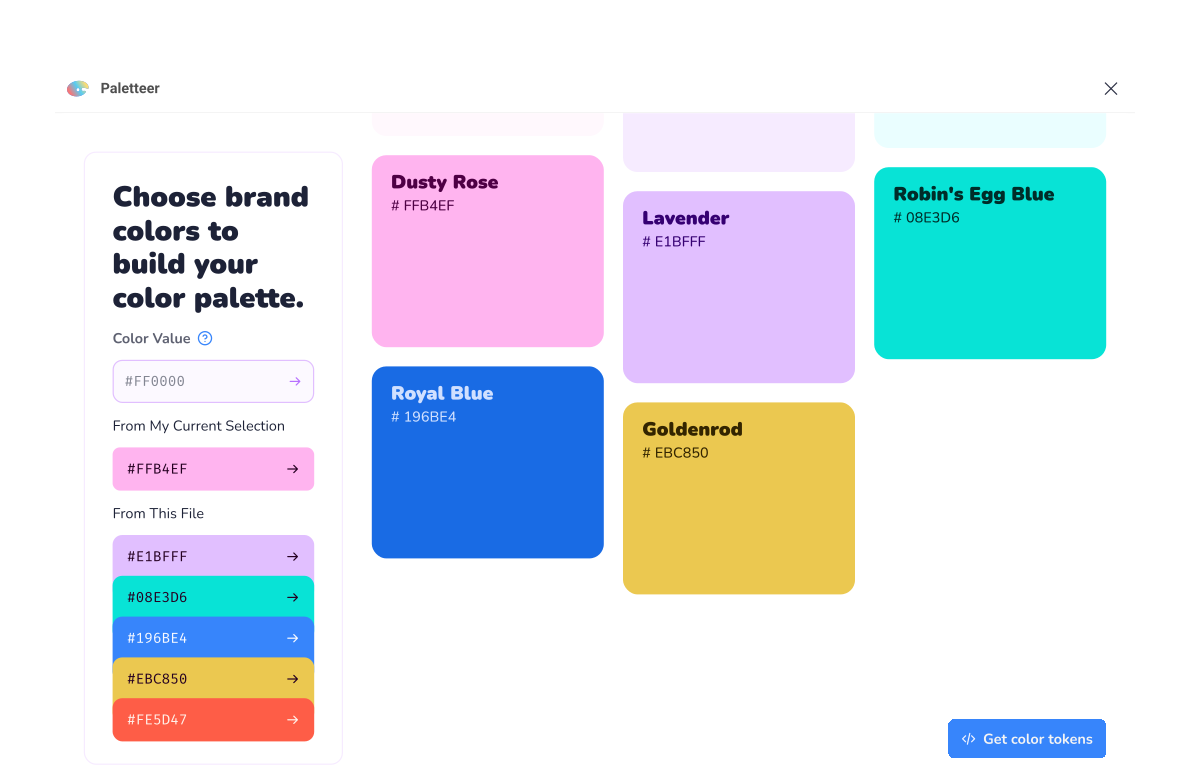
We're often working from a set of core brand colors, so that's where I started. I wrote an application that takes a seed color, then builds an array of shades from that seed. The resulting color palettes contain a broad enough selection to accomodate subtle hover states, text contrast issues, light mode/dark mode color palettes and more. Try it out below to see an example of how I put this into practice.
Our team needed help organizing the implementation of our design system and its more deliberate color palette, so I built a set of internal tools to make things easier. In addition to generating arrays of color variations there were a number of features for the engineering and design teams. The colors could be output as JS objects or CSS variables so they could be easily incorporated into our codebase. In addition, engineers could supply a hex code or RGB value from the codebase and find out which color from the new color palette most closely matched that color, significantly accellerating the clean-up of our UI.
The cleanup went quickly and smoothly, the team was really happy with our color palette generator. I found myself using the generator for almost every project I worked on, even outside of work. So I figured I'd share the joy.
I've released a Figma Plugin, based on the color palette generator, released to the Figma community.
